





PRO
Chevron arrow timeline flowing left to right with five connected arrow blocks. Each block contains a step number and allows space for title and text.

PRO
Horizontal layout with arrow icons leading into five rows of text. A solid header bar at the top displays the slide title with contrasting end block.

PRO
Horizontal step-based layout with four circular icons connected by a line at the top. Below each icon is a title box and placeholder text box.

PRO
Horizontal funnel with two input paths leading into a shared funnel shape. Input icons and text are on the left; output title and text on the right.

PRO
Three columns with headers "Title" and "Slide No" repeated across; suitable for large indexes or content reference lists.

PRO
Horizontal sequence of four colored squares connected by black chevron arrows.

PRO
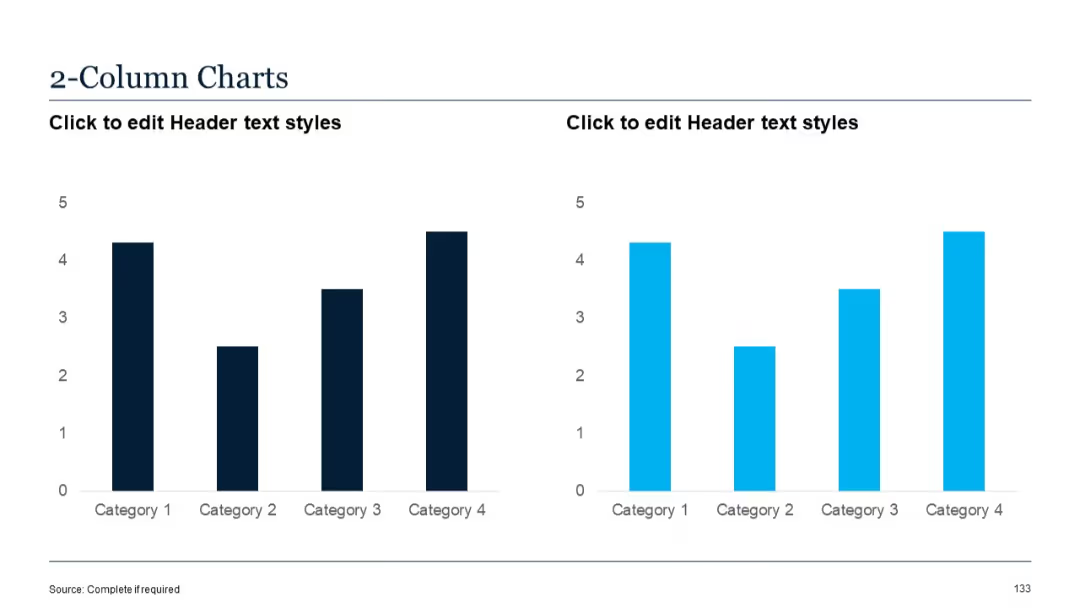
Vertical column chart showing data from January to June. Two data series are represented using varying shades of blue.

PRO
Simple title slide with large section number "03" and title "Graphic Slides" over a green gradient background.

PRO
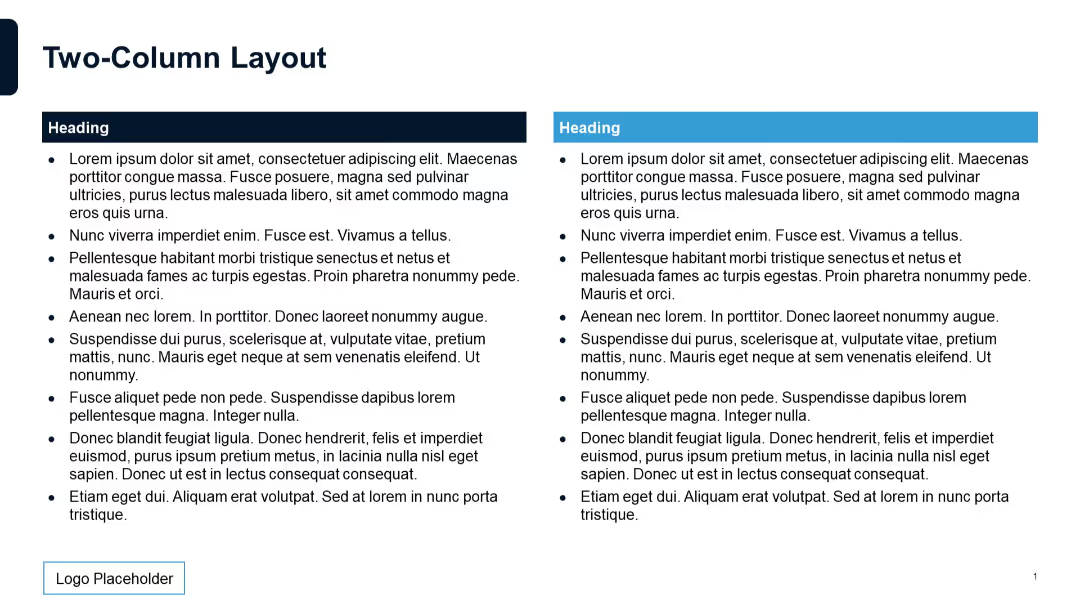
Two equal-width columns with bullet points; plain white background.

PRO
3x2 grid layout featuring circular icons above headers and descriptive text

PRO
Four doughnut-style pie charts with central percentage labels, symmetrically aligned and color-coded.

PRO
Horizontal layout with four vertical circular segments, numbered 1 to 4, each with a large circle header and text below.

PRO
Grid of small vertical bar charts arranged in a table format. Blue bars in each cell with numerical values inside.

PRO
World map centered with labeled placeholder texts. Left vertical sidebar for notes. Simple, grayscale layout.

PRO
Split slide with stacked column chart on the left and a color-coded pie chart on the right. Charts are labeled with values and legend.

PRO
Vertical checklist icons connected by a line on the left, with text placeholders aligned to the right.

PRO
Combo slide: Left side shows an area chart, right side displays two donut pie charts with year and % (2023: 35%, 2024: 50%). Text boxes below each chart.

PRO
Left side has dark triangle overlay with title; right side shows a group photo of professionals in discussion.

PRO
Central pie chart divided into four colorful segments (15%, 30%, 15%, 40%) representing quarters. Four diamond shapes on the right side with placeholders for titles and text.

PRO
A minimal tree diagram with two circular nodes (icons: lightbulb, computer monitor) extending from two branches; clean white background with purple accents.

PRO
Circular infographic split into 5 equal segments, each leading to a circular label. Minimalist, clean layout with dark blue tones.

PRO
Circular radial layout with 8 headers surrounding a central 8-point star; each header includes an icon and editable text section.

PRO
Vertical timeline layout with five entries on the left side; each step has a numbered circle connected by a gradient line and includes a title.

PRO
Rectangular blocks with headers placed on a large horizontal arrow. Bold colors and high contrast. Four-step linear flow design.

PRO
Four rows with colored diamond shapes (green, mint, lavender, red) on the left and placeholder text on the right.

PRO
Star-shaped central element with five icons and matching headers placed at each point. Balanced and symmetrical design.

PRO
Multi-row, multi-column table with bullet points in each cell, dark blue headers and sidebars. Structured to hold detailed text under each heading.

PRO
A semi-circle layout split into 5 colored segments (purple to red), each with an icon and placeholder text. Central circular element for subheading.

PRO
Dashboard layout with various chart types (gauge, bar, line) arranged in grid. Multiple KPIs and trends visualized in distinct panels.

PRO
Two-column layout with large, colored numeric boxes and text, evenly distributed (1–6).
