





PRO
Dual panel line charts, each with one line series, showing category trends; no right-side text panel.

PRO
Left side features a multi-series stacked column chart; right side contains a matching pie chart.

PRO
Four rectangular quote boxes arranged in a 2x2 grid. Each box contains placeholder text, a silhouette of a person, and stylized quotation marks. The layout is minimal, with a monochrome color scheme and a modern, clean design.

PRO
Expanded tree diagram with five icons (lightbulb, rocket, thumbs up, computer, rocket); denser structure, larger central node for emphasis.

PRO
Circular loop with four curved arrows forming a cycle around a central "Header" circle; outer segments with text.

PRO
Two-column vertical timeline layout with circular red icons on either side of a central dividing line, each tied to time slots and placeholder text.

PRO
A three-branch infographic layout with icons and placeholder text extending from a central circle.

PRO
Horizontal bar chart similar to Slide 31; consistent styling; placeholder bullets on the right.

PRO
Left-aligned pie chart with numeric labels; text section on the right

PRO
Scattered five-circle layout with icons inside each circle and accompanying short text and headers, asymmetrically placed.

PRO
Vertical split timeline with six time slots and icons (lightbulb, briefcase, etc.). Time and topic text on both sides.

PRO
Horizontal stacked bar chart combined with line graph; two-column layout

PRO
Calendar-style vertical Gantt layout with monthly columns from Jan–Dec. Lines with start/end markers in red and green, indicating timelines.

PRO
Left side contains four color-coded description boxes stacked vertically, each with a heading and text. Right side features a doughnut chart.

PRO
Left-aligned horizontal bar chart with five dark green bars of varying lengths and numerical labels. Right panel with icon and placeholder text.

PRO
Horizontal line with 5 equidistant points. Text boxes appear above and below line with alternating filled/unfilled circular markers.

PRO
Two-column comparison layout across two vertical sections; left and right columns each display a title, slide number, and multiple lines of content entries.

PRO
Bar chart with cumulative line overlay; vertical bars sorted by categories on x-axis.

PRO
Vertical stacked bar chart segmented by digital maturity levels: Low, Emerging, Established, Leading. Clean white background, clear segmentation.

PRO
Circular doughnut chart with four color-coded segments, center cutout, and labeled data values; includes title and legend at the bottom.

PRO
Horizontal arrow-based layout split into Q1, Q2, and Q3 sections. Each quarter has a title and placeholder text.

PRO
Numbered circular path from 1 to 5 in an arc. Icons and headings accompany each number.

PRO
A straight horizontal timeline with seven equally spaced dots leading to vertically stacked text boxes below each dot and downward arrows indicating flow.

PRO
Three-column table format with icon-labeled side blocks and bulleted text in all columns. Each row uses the same icon-colored block on the left.

PRO
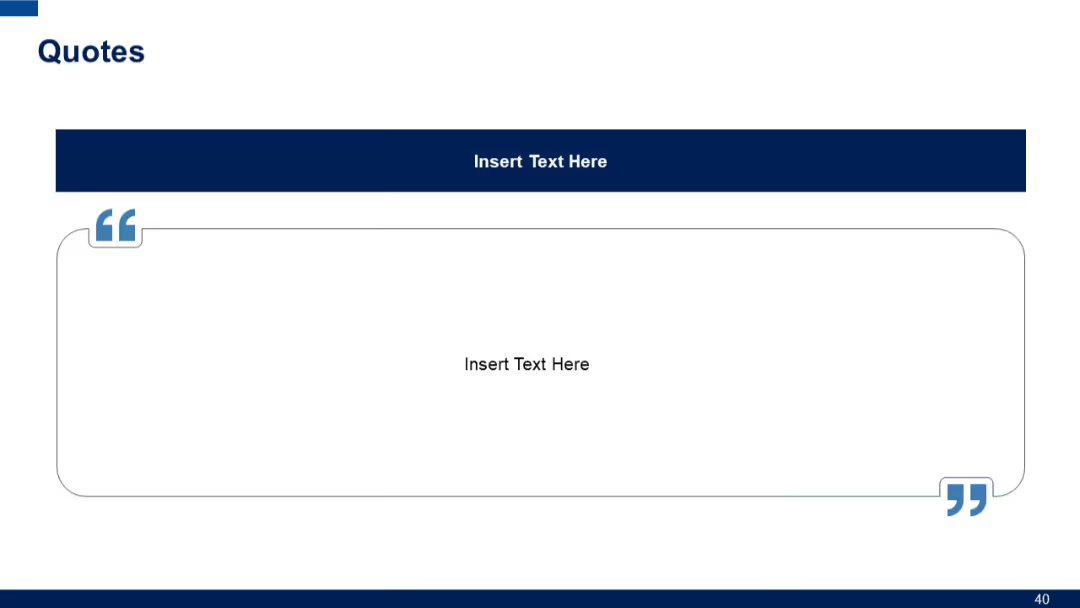
One large centered quote with big opening and closing quotation marks. Dark blue header and surrounding box with rounded corners.

PRO
8-row comparison table split into two segments, each with columns “Title” and “Slide No.” Header titles are highlighted in green and teal respectively.

PRO
A full-width quote box occupying the center of the slide. The quote area is colored in blue with large quotation marks, centered text, and a white border on the right side.

PRO
Scatter plot chart on the left labeled with Y-values. Even split between chart and bullet text section.

PRO
Left side has a 3-series line chart; right is a 2-series area chart. Time and category axes provide structured comparison.

PRO
Simple vertical list with one large circle and five horizontal text entries connected by lines. Minimal color with one blue circle icon.
