PRO
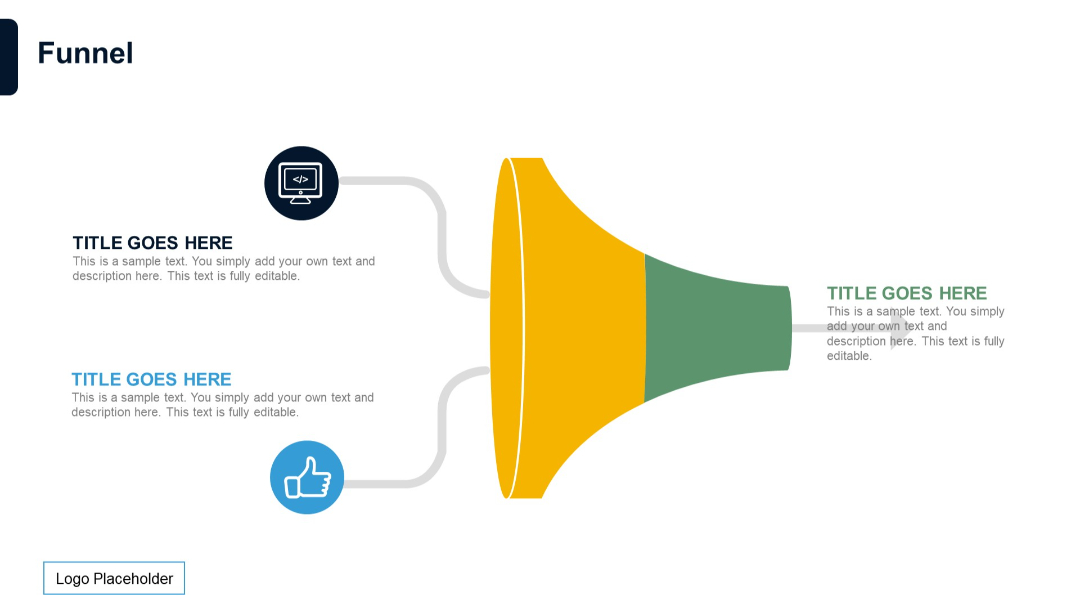
Horizontal funnel with two input paths leading into a shared funnel shape. Input icons and text are on the left; output title and text on the right.


PRO
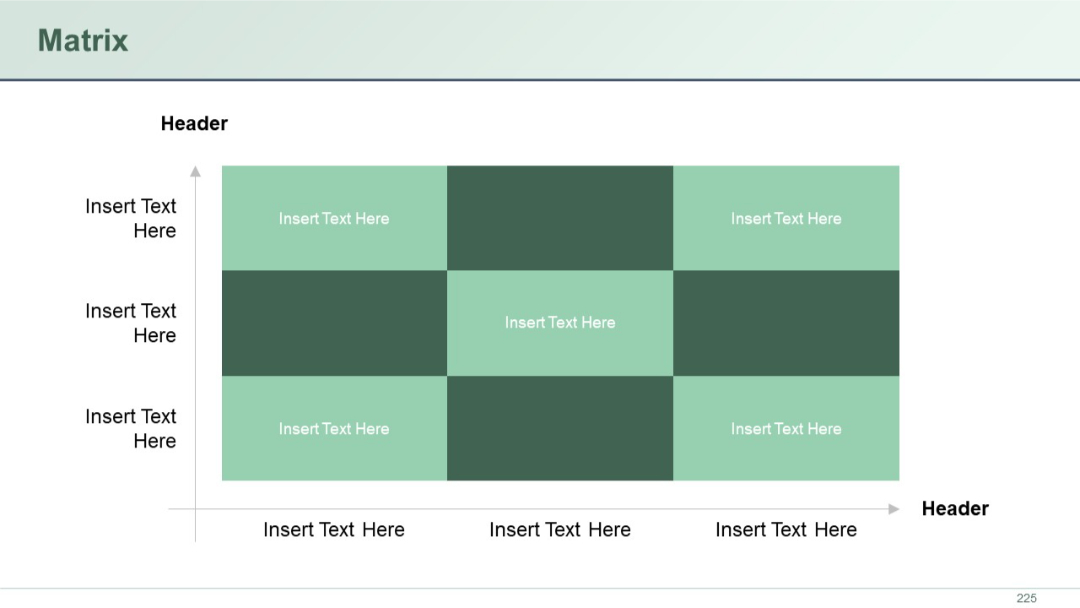
Grid layout with alternating color blocks. Rows and columns have headers. Mid cell highlighted.
PRO
Four text boxes in a 2x2 grid, each with stylized quotation marks, for presenting quotes or testimonials.
PRO
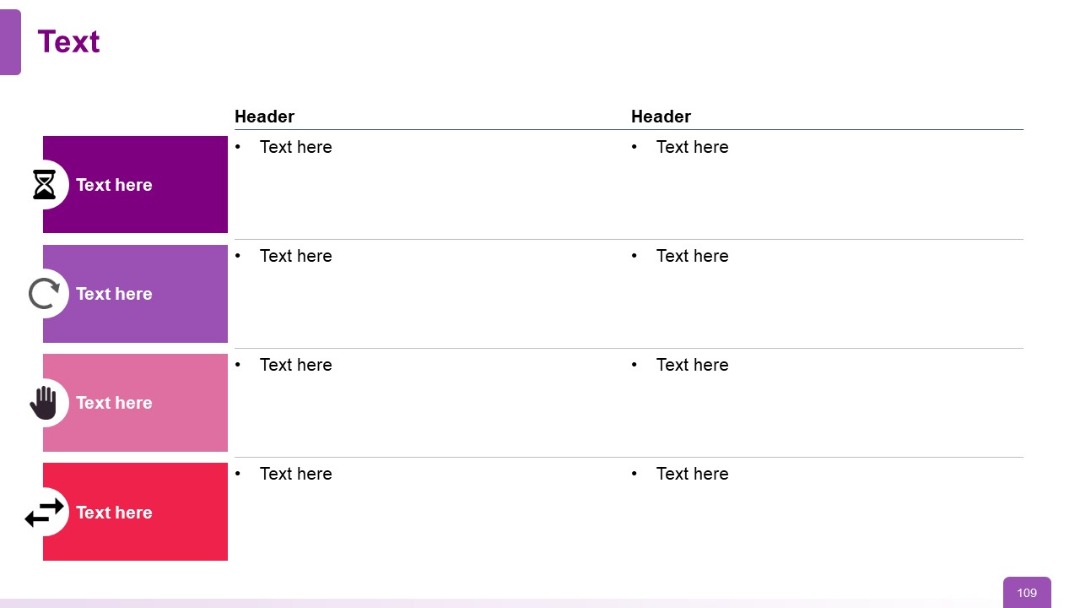
Table format with 2 columns and 4 rows. Left cells contain icon-labeled colored blocks; right cells contain bulleted text.
PRO
Vertical alignment of five large navy blue horizontal rounded bars with side circles for bullets.
PRO
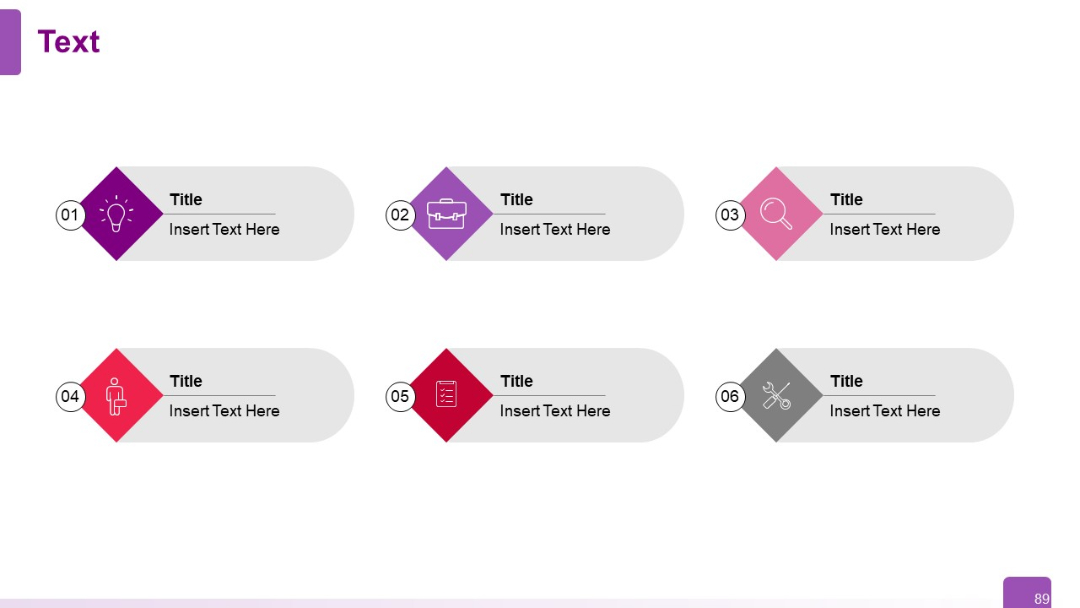
Grid layout of six infographic items, each with a diamond-shaped icon and title/text. Neatly spaced in two rows.
PRO
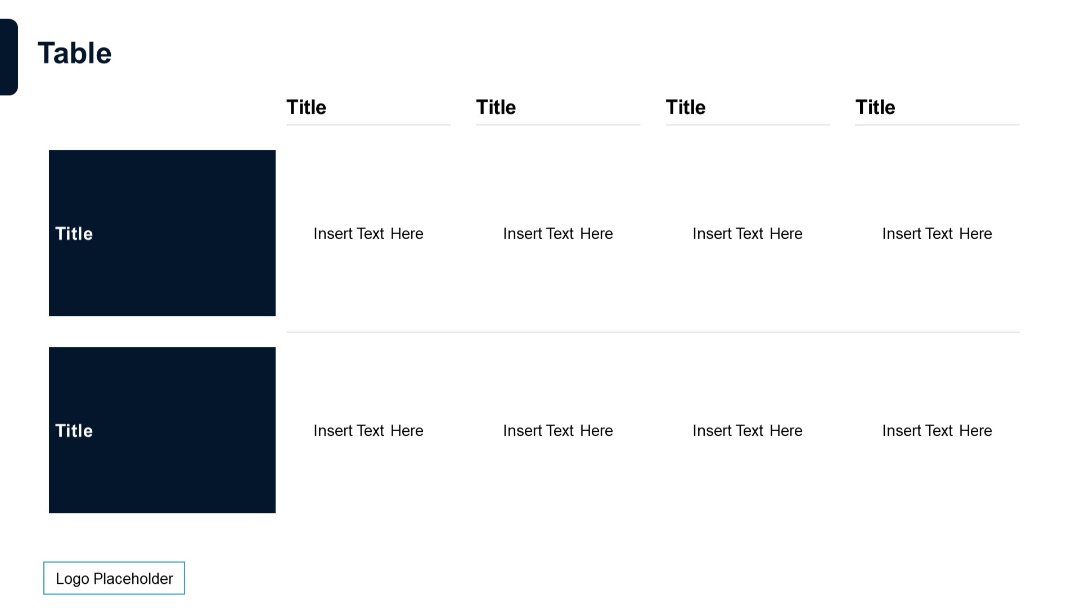
5-column, 2-row table. Large dark left header with two data rows and ample space. Text aligned with consistent spacing.
PRO
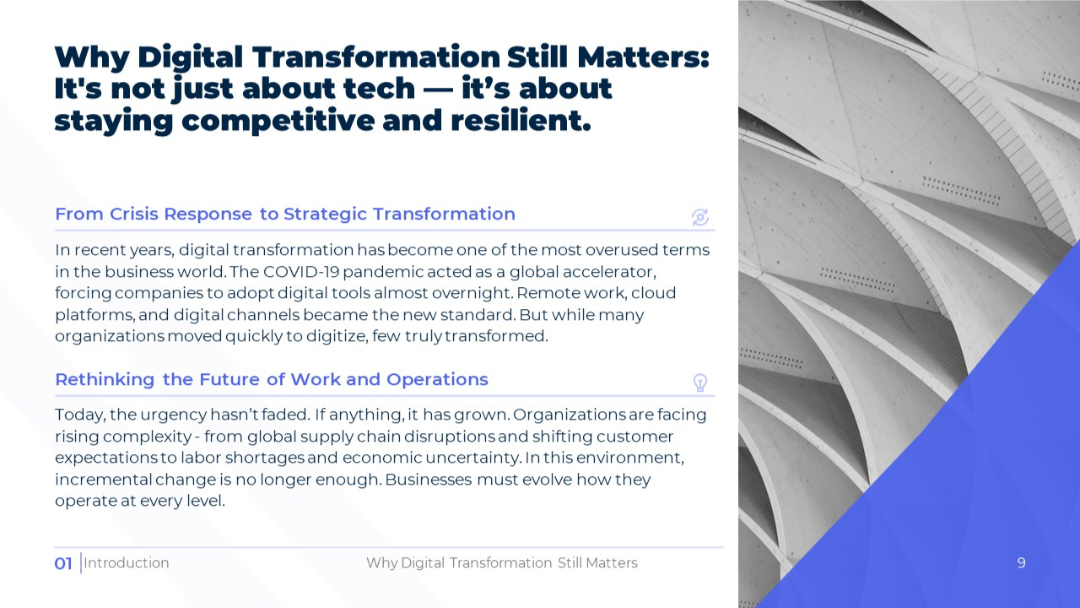
Similar structure to Slide 8 but mirrored layout (image on right). Uses the same content themes: urgency and the need for operational evolution. Maintains clean visual hierarchy with color and font consistency.
PRO
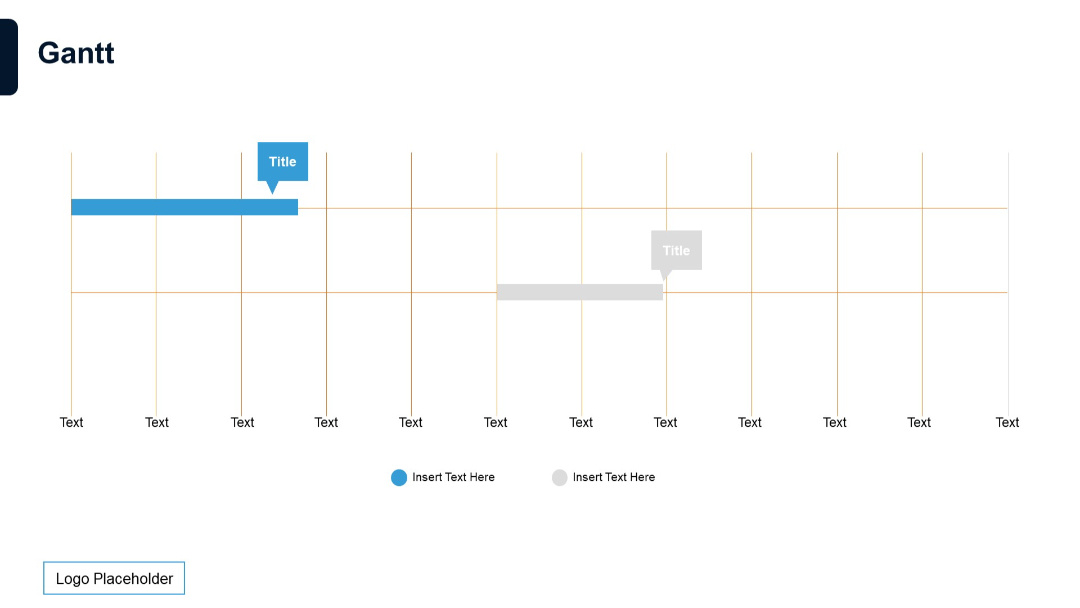
Minimalist slide with a horizontal Gantt chart layout, two horizontal bars, gridlines, and color-coded labels.
PRO
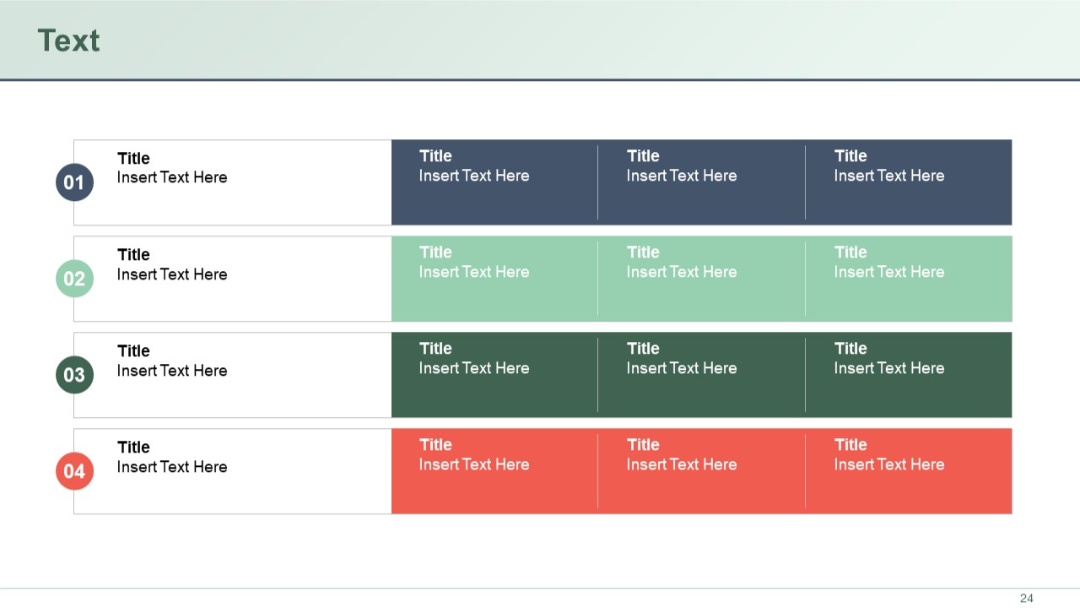
Four horizontal rows each with colored circular step numbers on the left and three content boxes in varying shades across.
PRO
Color-coded comparison table with one column for row headers and four columns for attributes. Check/cross indicators and call-to-action boxes at bottom.

PRO
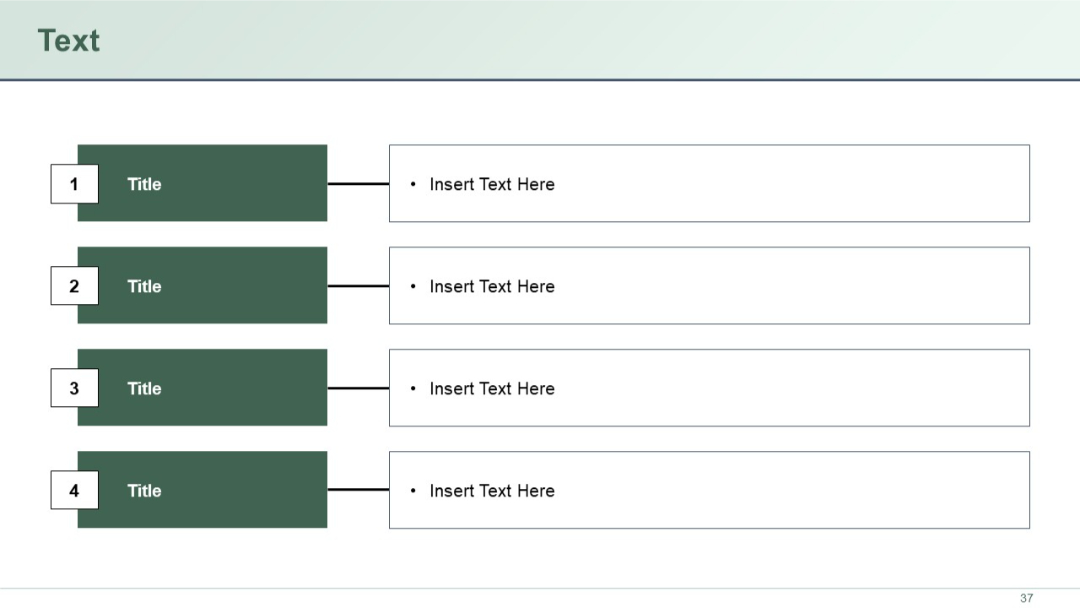
Left-aligned numbered blocks connecting to bullet points on the right.
PRO
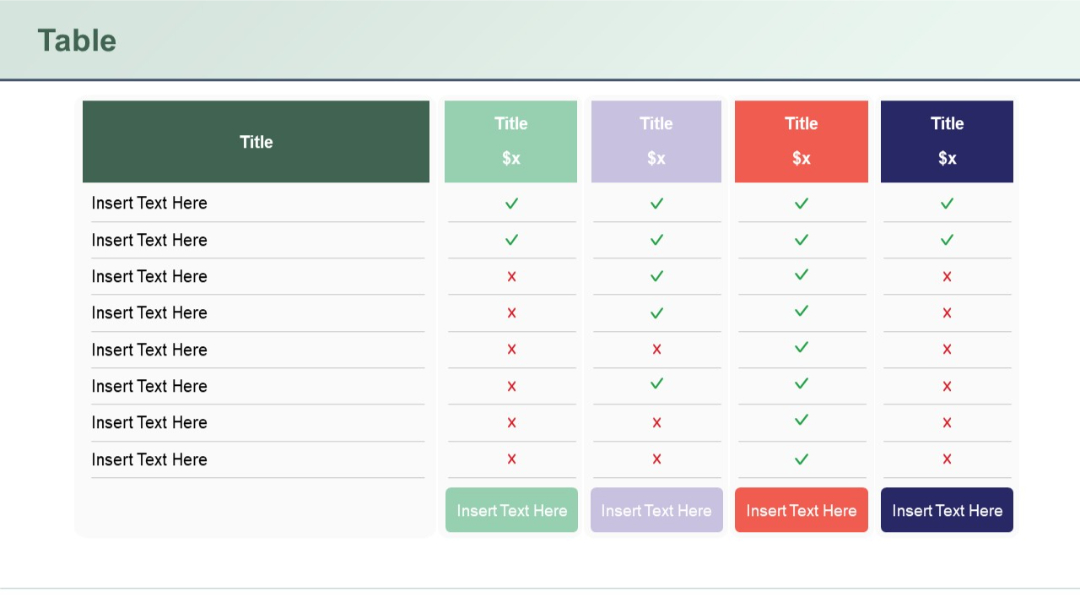
Five-column table, each with a title and price; uses checkmarks and Xs to compare attributes; pastel and bold colors define each column distinctly.
PRO
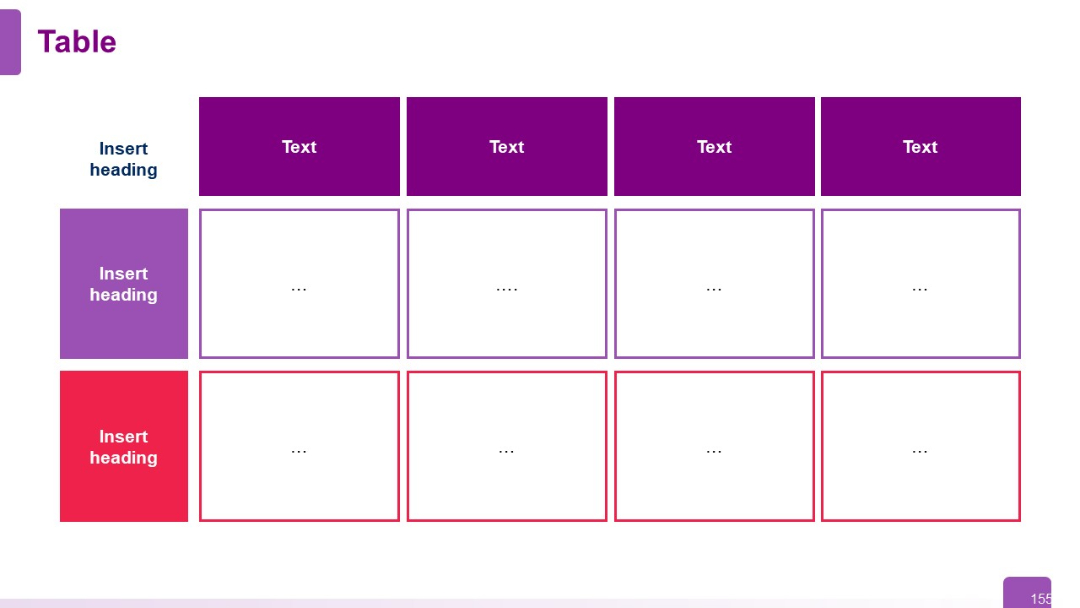
Color-coded 3x4 matrix with both horizontal and vertical headers; content area shows ellipses as placeholders; alternating cell border colors.
PRO
Donut-shaped circular diagram with six curved arrow-like segments and star icons, text positioned outside the circle.

PRO
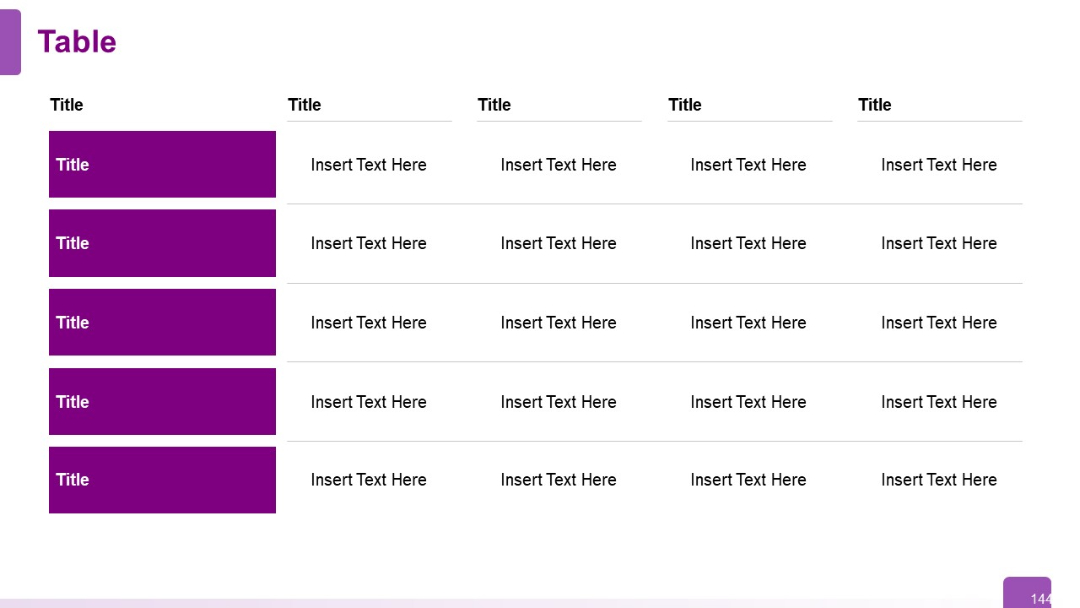
Five-row, five-column table. Dominant purple sidebar for row headers; clean, white background with placeholder text in other columns.
PRO
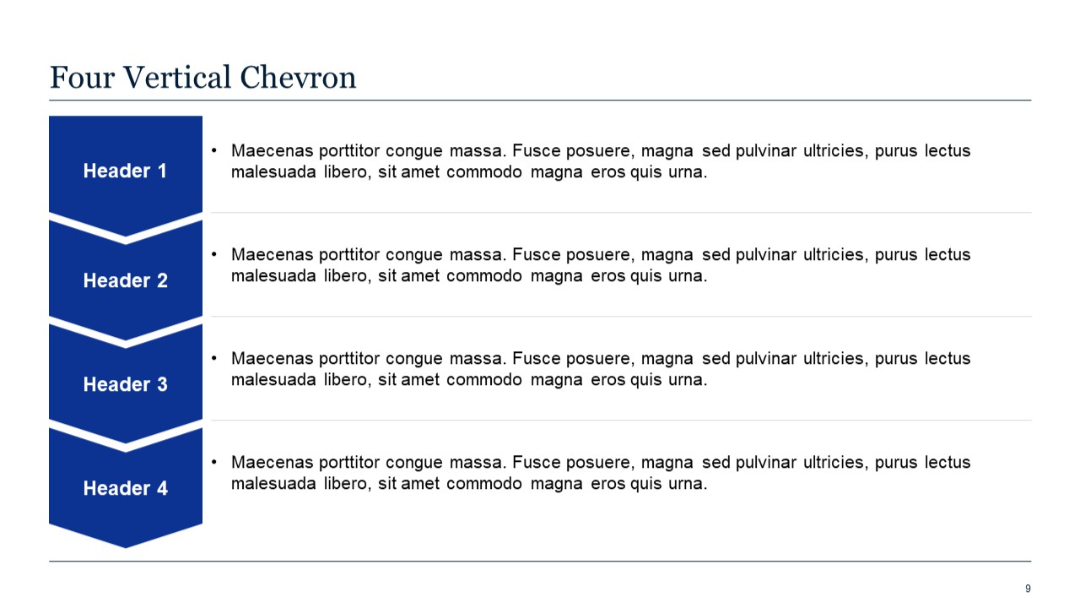
Vertical stack of four chevrons with right-aligned descriptive content.
PRO
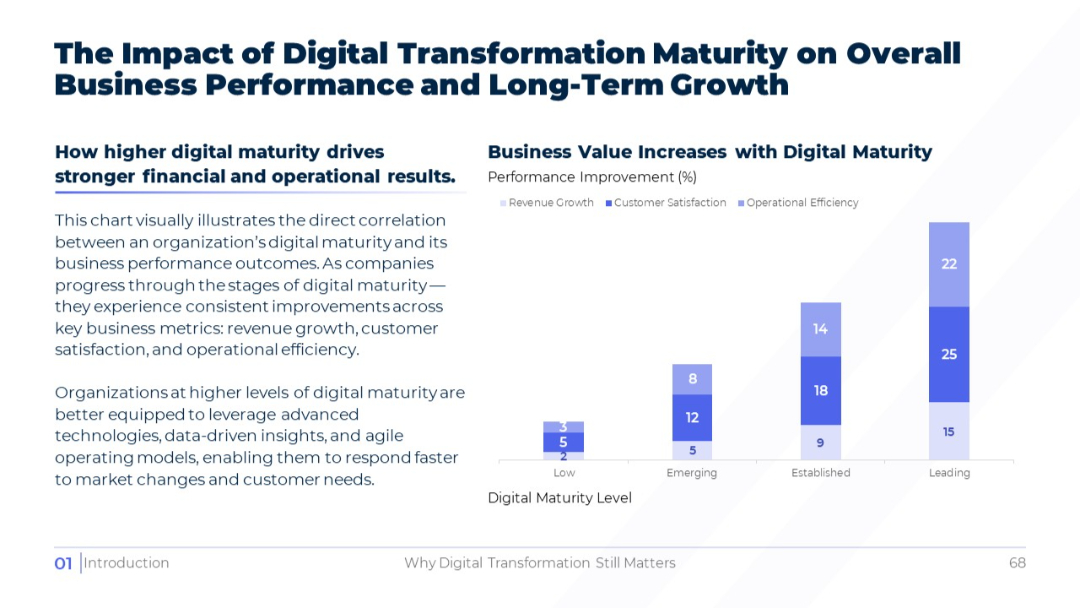
Vertical stacked bar chart segmented by digital maturity levels: Low, Emerging, Established, Leading. Clean white background, clear segmentation.
PRO
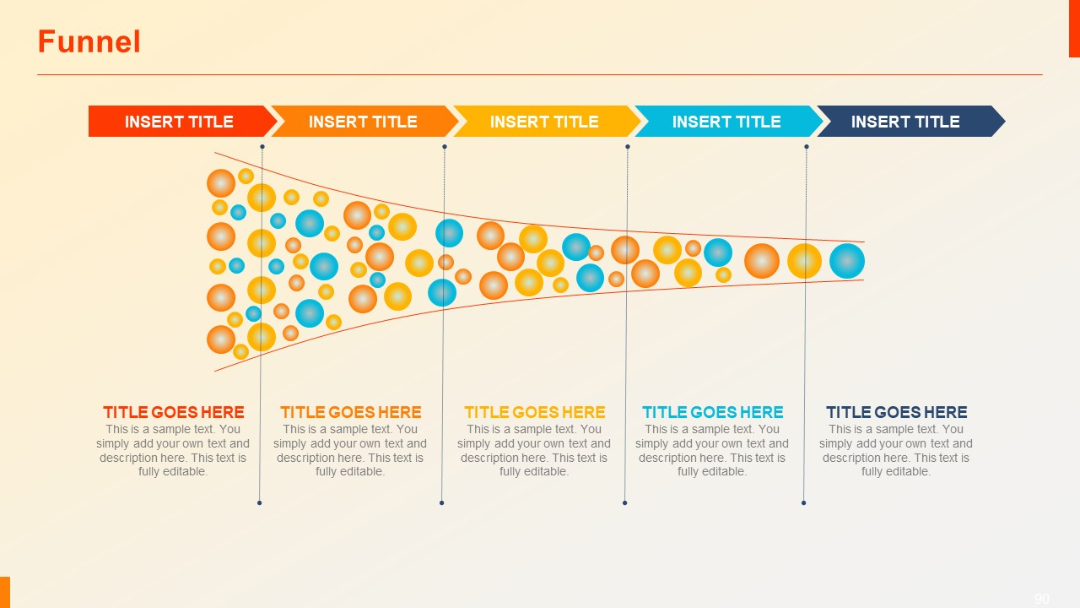
Wide funnel illustration with five sections narrowing from left to right. Filled with colored balls and labeled stages above and below.
PRO
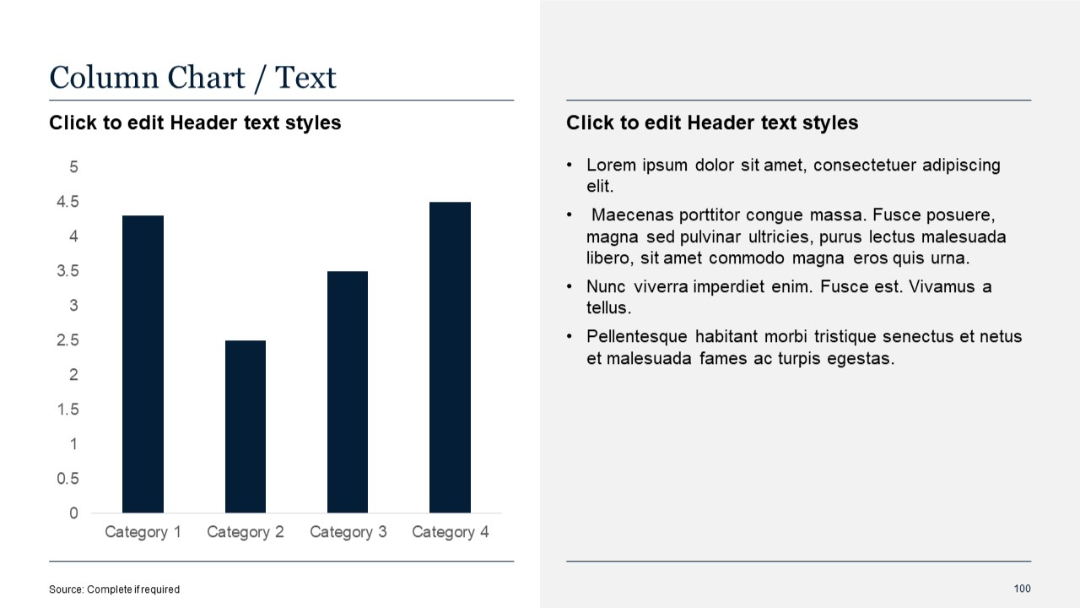
Vertical column chart with four categories; right-aligned text column.
PRO
Similar to slide 41, with a fifth block added in the bottom-right corner; consistent visual structure and icons; bold blue numerals and dark text.

PRO
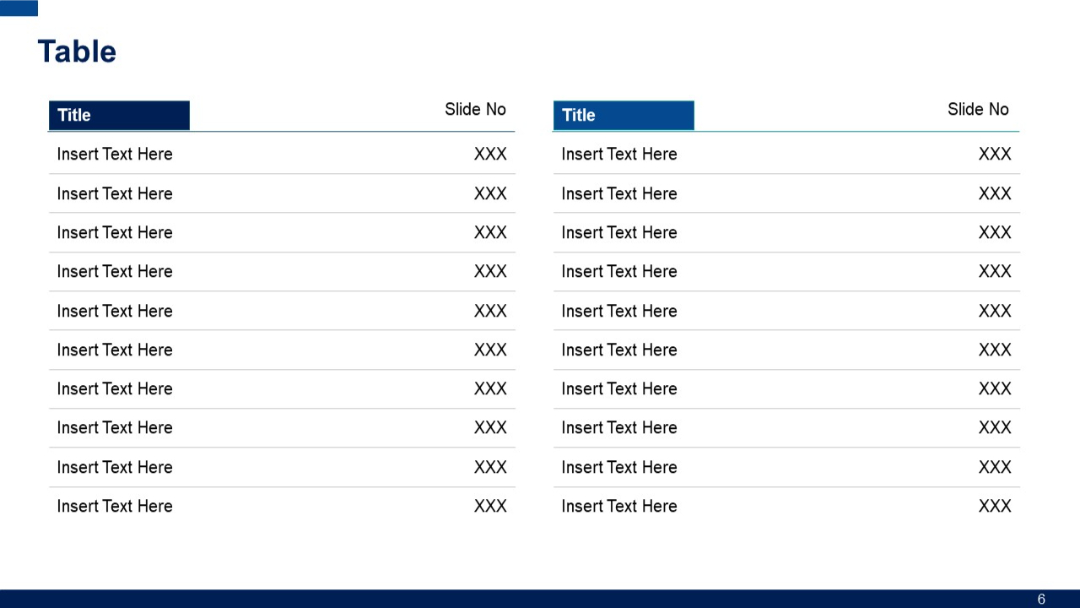
Two-column layout repeated on both left and right sides; each table has "Title" and "Slide No" headers with placeholder rows underneath.
PRO
Four vertical timeline-like circular icons, each with a header and a bottom number; connected with lines, visually structured.

PRO
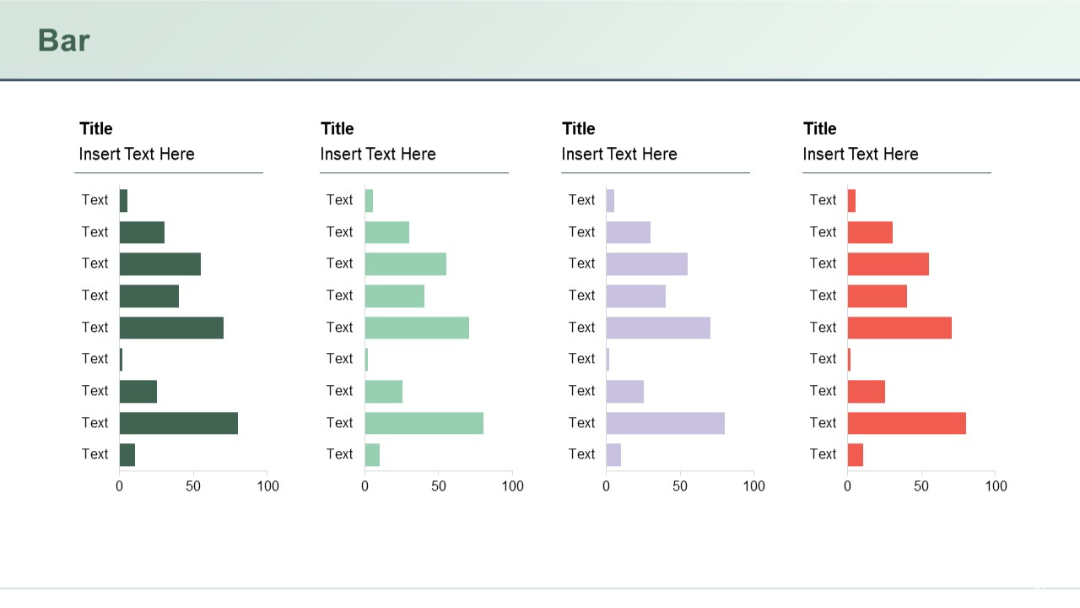
Four small horizontal bar charts in columns, each color-coded, showing data distribution across seven rows.
PRO
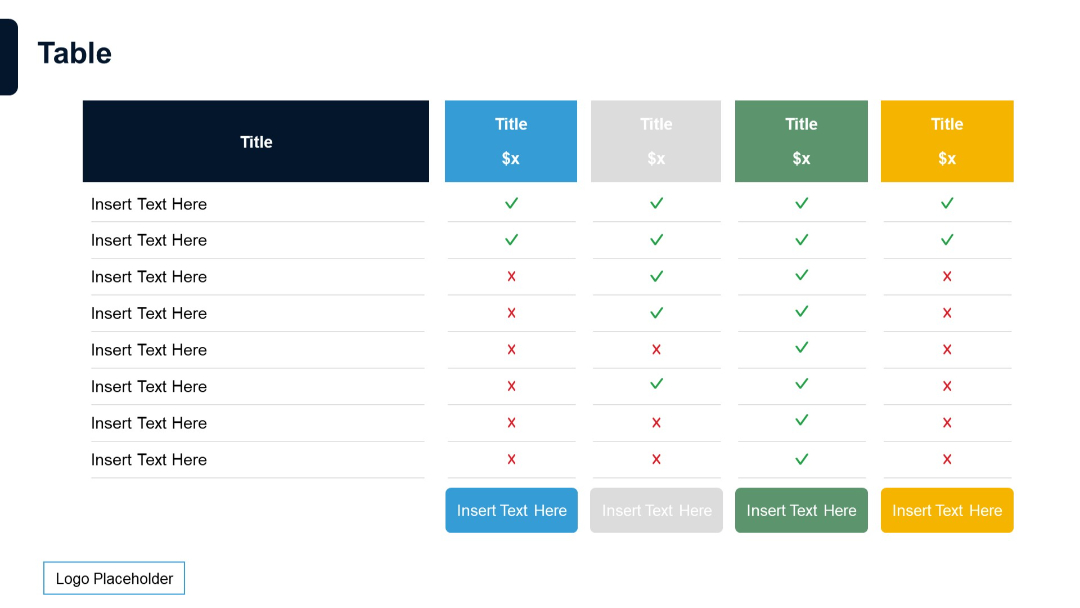
Extended feature comparison table with five pricing tiers, each in distinct color, with status icons and insert text prompts.
PRO
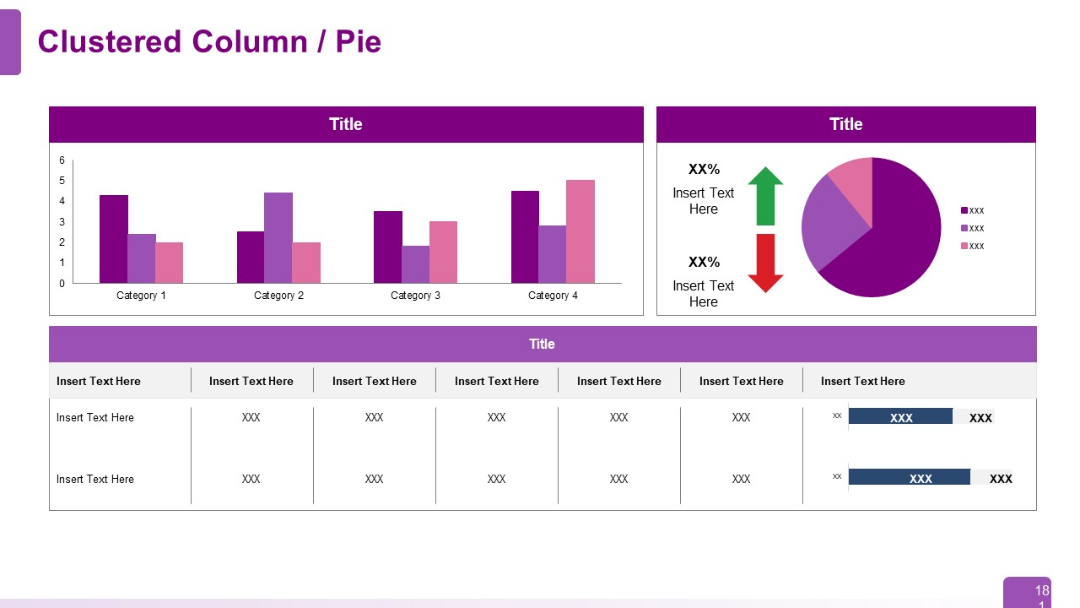
Split layout with top section showing a clustered column chart (4 categories) on the left and a pie chart with icons and text placeholders on right. Bottom section is a data table with shaded cells.
PRO
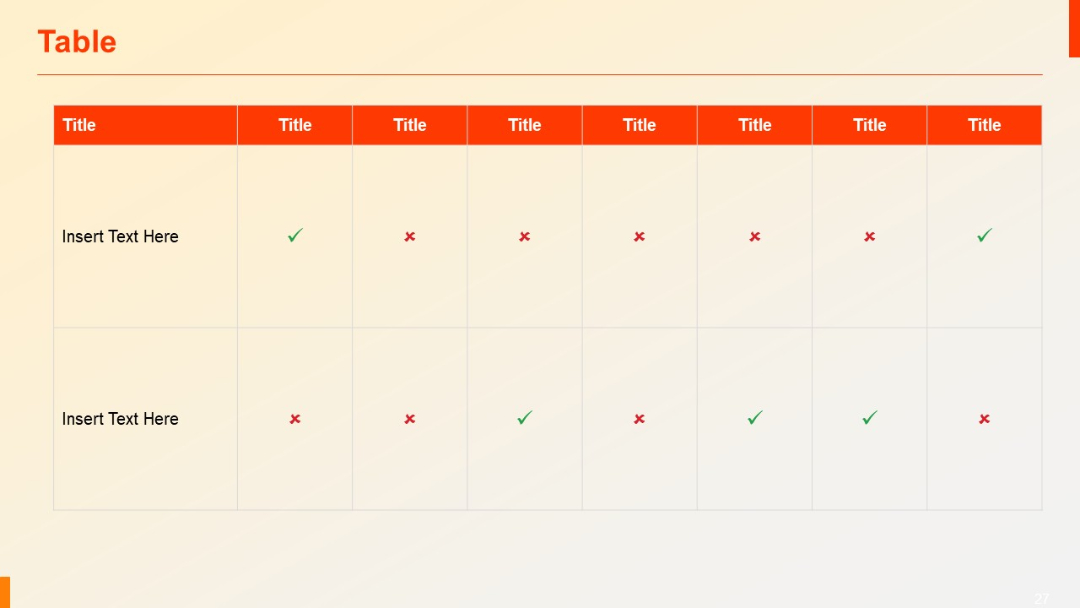
Matrix-style checklist table with check (✓) and cross (✗) symbols to indicate status or availability across eight columns and two rows.
PRO
Vertical list of six items with numbered colored circles and a large calendar icon.
PRO
Highlight-style layout with a central image and faded peripheral images. The central focus is on "Enhanced Customer Experiences," visually emphasized for clarity.

PRO
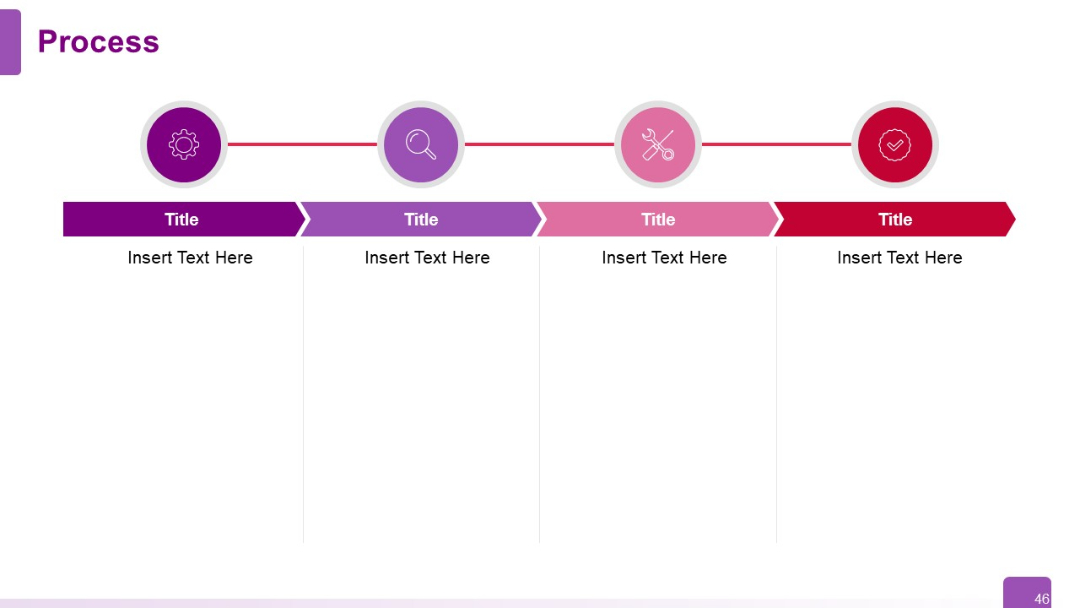
Linear process with icons connected by a red line. Each step is represented with a unique icon above colored title boxes with editable text.